Projects & sites
A project is the unit you deploy. It bundles one web app with its databases, domains, variables and backups — and gives all of them a stable name.
Creating a project#
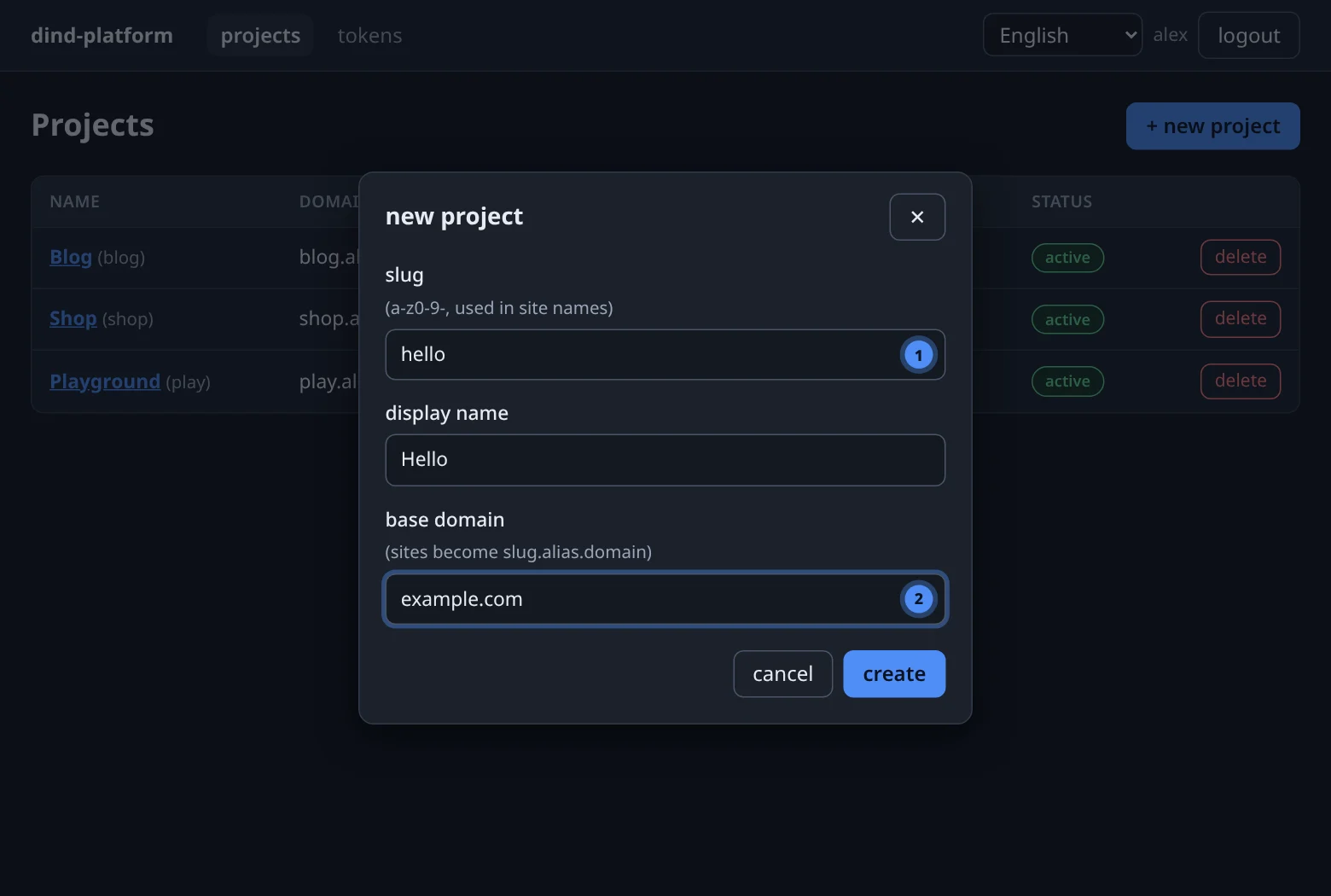
On the Projects page press + new project and fill in three fields.
curl -fsS -X POST "$BASE/api/v1/projects" \
  -H "Authorization: Bearer $TOKEN" -H 'Content-Type: application/json' \
  -d '{"slug":"blog","display_name":"Blog","base_domain":"example.com"}'
Answers 201 with the project (including its numeric id, status and domains). A duplicate slug is 409; an invalid slug or domain is 422.
create_project(slug="blog", display_name="Blog", base_domain="example.com")
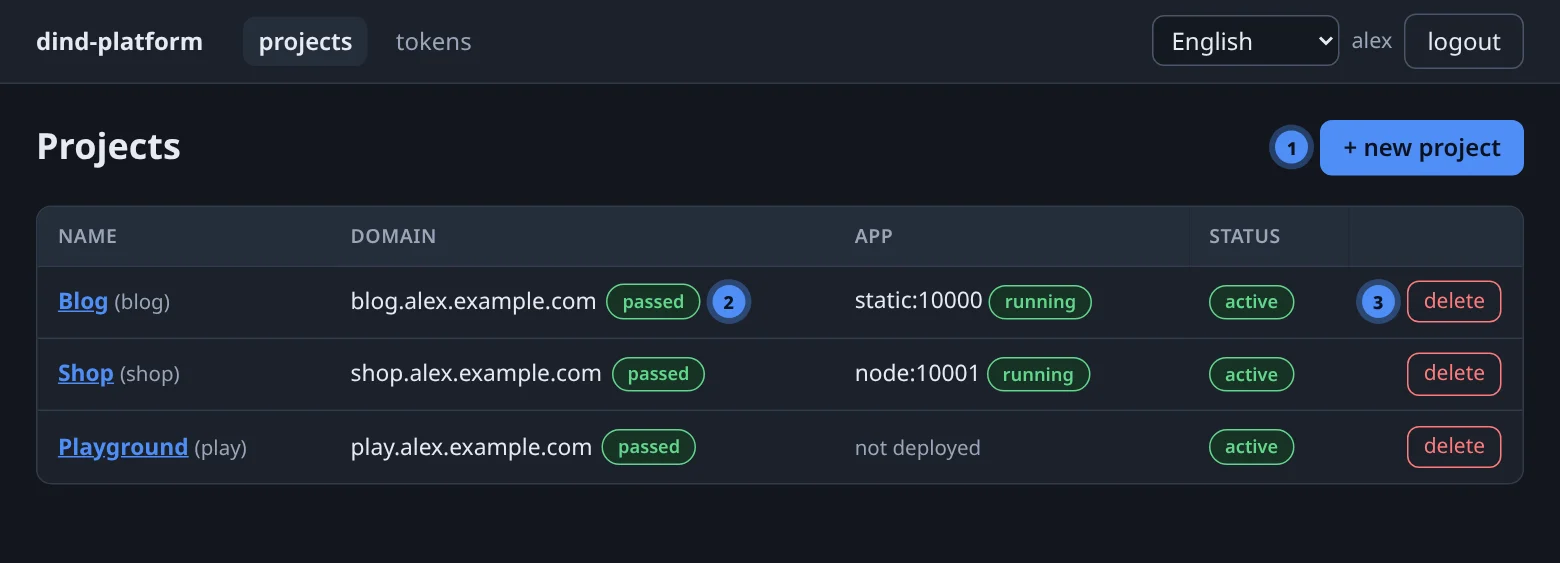
The reply includes the automatic domain; a best-effort pre-check starts in the background.
| Field | Rule |
|---|---|
| slug | 2–40 characters, a-z, 0-9 and -, starting with a letter or digit. Unique per user — two users can both have blog. |
| display name | Free text up to 120 characters; shown in the console. |
| base domain | A real domain with a top-level domain (example.com, not localhost). It is the suffix of every automatic site name. |
How site names are built#
Every project gets an automatic domain the moment it is created:
<slug>.<alias>.<base_domain> blog.alex.example.com
The alias is yours (set by the admin when your account was created), so two users can use the same slug under the same base domain without clashing. If the name is already taken — a hostname belongs to exactly one project platform-wide — the creation fails with 409 … pick another slug or base domain and nothing is left behind.
DNS is outside the project
The name only works on the Internet when DNS points it at the platform's ingress. Ask your administrator how automatic names are published — typically one wildcard record for the base domain. For your own names see Domains & TLS.
One project, one app#
In this version a project owns exactly one web app. Need a second service? Create a second project — projects are cheap, share your user daemon and can use the same database or S3 bucket credentials.
| Belongs to a project | Shared by all your projects |
|---|---|
| the app and its deployments · project variables · databases · domains · project backups | your app daemon · your S3 bucket <alias>-files · your API tokens |
Deleting a project#
The red delete button asks for confirmation and then tears down, in this order:
- every database of the project (container and data volume);
- every backup of the project, including its database dumps;
- the app container;
- the project's routes and, in dev TLS mode, its certificates;
- the app's port reservation, the project variables, and finally the deployment, app and domain rows.
Deletion is final
Backups are deleted together with the project, so they cannot bring it back. Dump your databases and download what you need first — see Backups & restore.